
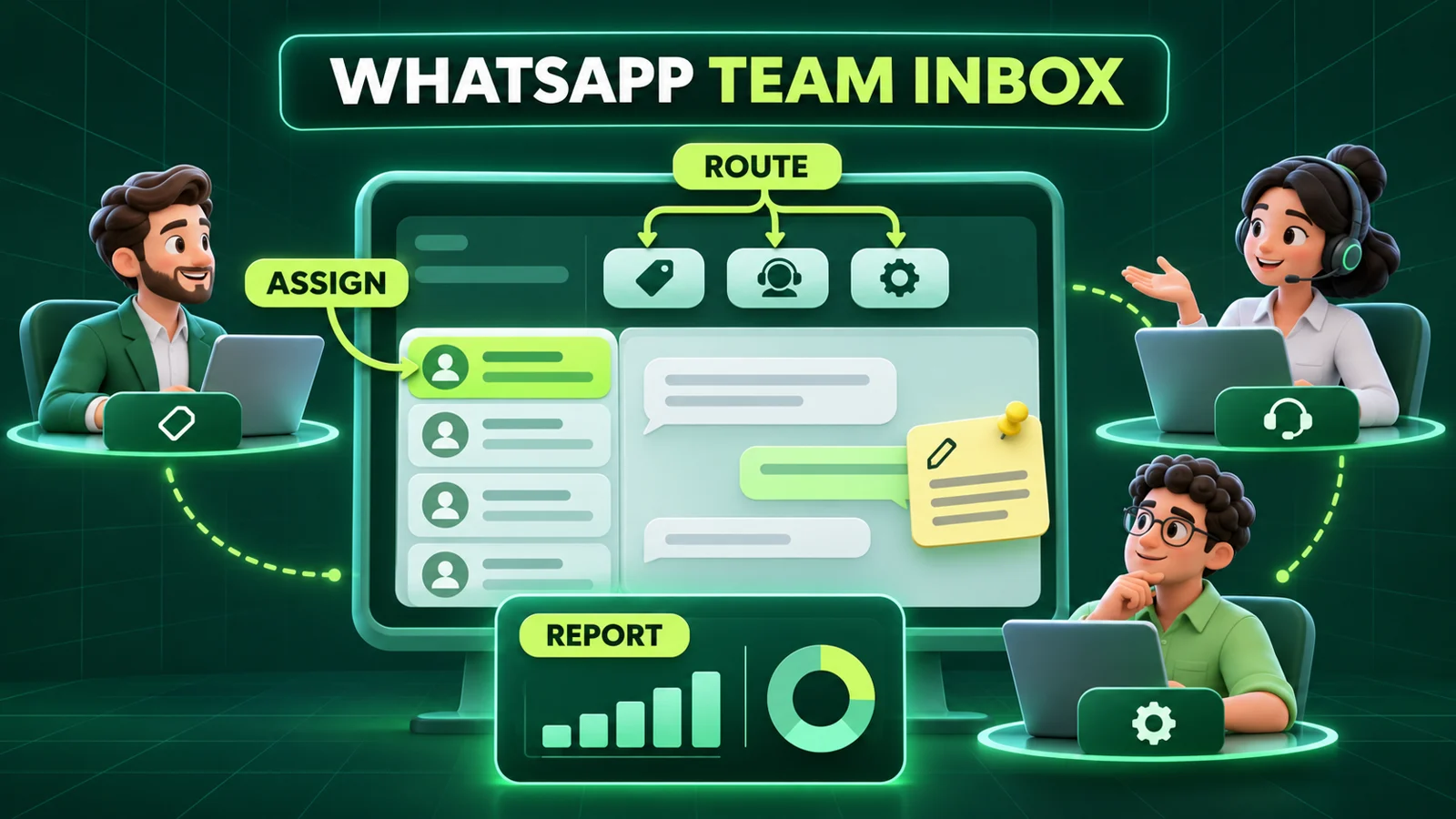
A WhatsApp team inbox lets several authorised agents answer customers from one official business number without passing a phone around. It combines the conversation list, ownership, assignment, internal collaboration and message status in one workspace.
The inbox is not another consumer WhatsApp group. It sits on the WhatsApp Business Platform and gives a business operational controls that the shared-phone model cannot provide: a visible queue, agent roles, routing, notes, templates and reporting. See the The Tech Pad team inbox for the conversion-focused product view; this guide explains how the workflow should be designed.
What a WhatsApp team inbox changes
On a shared phone, everybody can see messages but nobody can reliably see ownership. Two people may reply at once, a question can wait between shifts, and management learns about a missed customer only after a complaint.
A team inbox turns each chat into work with a state:
- New and unassigned.
- Assigned to a team or agent.
- Waiting for the customer or for internal action.
- Resolved, with the history retained.
- Reopened when the customer replies again.
That simple state model prevents duplicate replies and makes handoffs explicit. It also creates the data required for useful reports.
The six parts of a practical setup
| Part | Decision to make | Failure it prevents |
|---|---|---|
| Number | Which official number customers will message | Splitting history across personal phones |
| Entry points | Website, QR, ads, orders and profile links | Chats arriving without context |
| Teams | Sales, support, operations or branch groups | One undifferentiated queue |
| Routing | Rules for intent, language, location and hours | Manual forwarding and slow first response |
| Roles | Who can reply, manage settings, bill or integrate | Excess access and accidental changes |
| Reporting | Which queue and outcome metrics matter | Optimising for message volume instead of service |
Start with the real customer journey, not an org chart. If customers ask about both products and existing orders, those intents matter more than creating a separate queue for every internal department.
Connect the number safely
Use an official WhatsApp Business Platform onboarding flow. Confirm who owns the Meta business, WhatsApp Business Account and phone number before connecting anything. Record the current provider, approved templates and any coexistence or migration requirements.
Do not disconnect a production number simply because a new inbox login is ready. Test number verification, inbound webhooks, agent replies, templates and status updates in sequence. Keep a rollback contact and schedule the cutover when the business can monitor live chats.
The number and approved templates are business assets. Access should remain under the business's control rather than an employee's personal account.
Design routing before adding automation
Routing decides where a conversation should go. Assignment records who owns it. They are related but not interchangeable.
A simple routing order works for most teams:
- Identify the channel and business number.
- Use explicit context, such as a product page, campaign, order event or form selection.
- Apply language, location, customer type or working-hours rules only where they are reliable.
- Send uncertain conversations to a monitored general queue.
- Assign the conversation to an available agent or leave it visibly unassigned for triage.
Never build routing that silently discards an unmatched conversation. Every rule needs a fallback queue, an owner and an alert when the queue grows older than the service target.
Roles should follow risk
Not every person who replies to customers needs access to billing, templates, API keys or channel settings.
- Owner: controls the workspace and critical account decisions.
- Admin: manages teams, routing and day-to-day settings.
- Agent: handles assigned conversations and approved reply tools.
- Developer: manages integrations, webhooks and technical credentials where required.
- Billing: views plans, invoices and payment details without customer-conversation access unless separately granted.
Seasonal retail staff and outsourced support should receive the narrowest useful role. Remove access promptly when a contract ends, and review membership before high-volume periods.
Collaboration inside the conversation
An inbox should let agents collaborate without sending internal remarks to the customer. Internal notes, mentions and handoffs belong beside the conversation but must be visually distinct from outbound messages.
Use notes for facts the next agent needs: a promised callback, stock confirmation, refund review or branch contact. Avoid copying sensitive data into notes merely for convenience. The customer record should contain only information the team is authorised to use.
A handoff is complete only when the next owner accepts or sees the conversation in their queue. Reassigning a chat at the end of a shift without context simply moves the delay.
Templates, automation and the 24-hour service window
Customer-initiated chats create a service window in which agents can use free-form replies under WhatsApp's current rules. Business-initiated messages outside the applicable window generally require an approved template. Template categories and charges can change, so operational rules should be based on current Meta and provider configuration rather than a copied old checklist.
Automation should remove repetitive work without hiding the customer:
- Acknowledge receipt and state realistic hours.
- Ask one useful routing question when context is missing.
- Pull an order status when the customer provides a valid identifier.
- Suggest an approved reply, then let an agent review sensitive cases.
- Escalate refunds, complaints and repeated failures to a person.
Avoid a long chatbot tree before the customer can reach an agent. A team inbox succeeds because it connects automation to ownership, not because it blocks human contact.
Reporting that improves the queue
Measure the flow of work rather than rewarding the fastest typist.
| Metric | What it reveals |
|---|---|
| Unassigned conversations | Whether intake and triage are keeping up |
| First response time | How long a new customer waits for a meaningful reply |
| Open conversation age | Which chats are stuck across shifts |
| Reassignment rate | Whether routing or role boundaries are wrong |
| Delivery and read failures | Number, template or recipient problems |
| Resolution outcome | Whether the customer's need was actually completed |
Message count alone is a poor agent score. One person may close ten complex order cases while another sends fifty short acknowledgements. Review quality, resolution and customer impact with the timing data.
A rollout plan for a small team
Week 1: map and connect
Choose the number, document ownership, list the entry points and connect a test workflow. Invite only the small rollout group.
Week 2: define the queue
Create the minimum teams, assignment states and working-hours fallback. Write a short ownership rule so everyone knows when to take, reassign and resolve a chat.
Week 3: add repeatable replies
Create approved templates and canned replies for the questions agents already answer. Add internal notes and escalation conventions.
Week 4: measure and refine
Review unassigned volume, old conversations, first response and failed deliveries. Fix the routing rule or staffing gap behind each pattern before adding more automation.
Signs you have outgrown the shared phone
- Customers receive two different answers from two staff members.
- Nobody knows who owns a conversation after a shift change.
- Personal numbers appear in customer communication.
- Managers cannot see overdue or unassigned chats.
- Order and campaign replies are separated from support history.
- Agents copy conversations into spreadsheets to create a report.
When two or more of these are routine, a structured inbox is already cheaper than the coordination time being lost.
Keep education and conversion separate
Use this guide to define the workflow and evaluation checklist. Use the team inbox feature page to compare the available seats, roles, channels and product capabilities, then test with a real queue before moving the production number.