
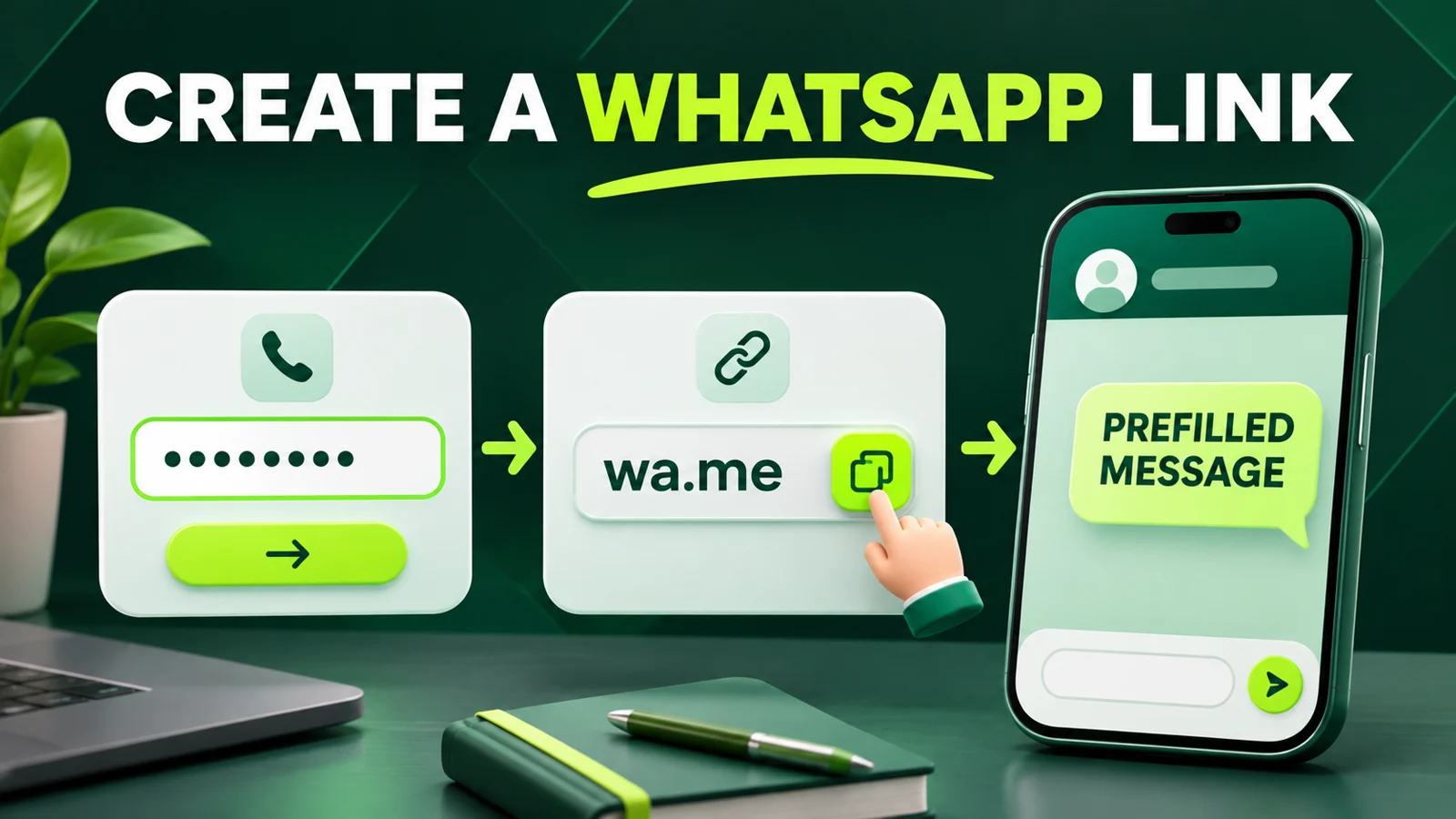
A WhatsApp link opens a chat without asking the visitor to save your number first. The basic format is https://wa.me/ followed by your complete international phone number. Add a URL-encoded text parameter when you want a useful message waiting in the chat field.
Use the free WhatsApp link generator if you want the tool to clean the number and encode the message for you. The visitor still decides whether to send the message; a click-to-chat link does not send anything automatically.
The correct wa.me format
WhatsApp's official click-to-chat format is:
https://wa.me/15551234567
The number must use international format, but the URL must not contain the plus sign, spaces, brackets, dashes or a domestic trunk prefix. For an Indian mobile number, +91 98765 43210 becomes 919876543210. For a UK number written as 020 7946 0018, remove the leading domestic zero and use the appropriate country code.
| Entered number | Link number | Why |
|---|---|---|
| +91 98765 43210 | 919876543210 | Plus sign and spaces removed |
| (415) 555-0123, US | 14155550123 | Country code included |
| 020 7946 0018, UK | 442079460018 | Domestic leading zero removed |
Do not guess the country code from your audience. The number in the link is the business number that will receive the chat, and it must already have an active WhatsApp account.
Add a prefilled message
Append ?text= and a URL-encoded message:
https://wa.me/919876543210?text=Hi%2C%20I%27d%20like%20to%20check%20availability.
URL encoding converts spaces, punctuation and line breaks into characters that can travel safely inside a URL. %20 represents a space, %2C a comma and %0A a new line. You do not need to encode this by hand: type the message normally in the generator and copy the result.
A good prefilled message gives the customer a useful starting point without pretending they have already agreed to something. Compare these two versions:
- Weak: “Hi.”
- Useful: “Hi, I’m interested in the blue office chair. Is it available in Hyderabad?”
The second version tells the team what the visitor needs and makes routing easier. For a campaign or product page, include the item, location or offer in the text. Do not put sensitive customer information in the URL because links may be copied, logged or shared.
Create the link in five steps
- Open the WhatsApp link generator.
- Select the country code and enter the business phone number.
- Write the optional message that should appear in the chat field.
- Generate the link, copy it and open it in a private browser window.
- Send one real test from a phone and confirm that the correct team receives it.
Test both the number and the message. A beautifully designed button still fails if the country code is wrong, and an encoded link can open correctly while displaying unintended punctuation.
Where to place a WhatsApp link
Website buttons
Place the link beside a clear action: “Ask about availability,” “Get a quote” or “Chat with support.” Generic floating icons are familiar, but a contextual button near the product or form usually sets a better expectation. Open the link in a new tab on desktop so visitors do not lose the page they were reading.
Use the official Chat on WhatsApp button without recolouring or distorting it when you use WhatsApp's branded asset. If you create a text button in your own design system, name the action clearly and provide an accessible label.
Email signatures
Add a short link such as “Chat with our support team on WhatsApp.” Use a prefilled message that identifies the email context, but keep it general enough that the link still makes sense when the signature is forwarded.
Instagram, ads and social profiles
Profile fields and ads may have their own destination rules. Test the final published placement rather than only the raw link. A prefilled message can identify the campaign, product or store location so agents understand where the conversation began.
Google Business Profile
Google Business Profile can expose a WhatsApp contact option where supported. Use the business number customers already recognise and make sure opening hours and response expectations are accurate. A direct messaging link is not a substitute for maintaining the phone number and website details on the profile.
QR codes and print
Turn the link into a QR code for packaging, counters, receipts and signs. Print a short instruction beside it, such as “Scan to check stock on WhatsApp.” The QR code should open the same tested wa.me destination, and the printed proof should be scanned before the full run.
Link-only messages versus the WhatsApp Business Platform
A wa.me link starts a customer-initiated conversation. It does not provide a team queue, automated routing, approved outbound templates or delivery reporting by itself. It is ideal when you want a low-friction doorway into a normal chat.
Move to the official WhatsApp Business Platform and a shared team inbox when several agents answer the same number, when order systems need to trigger messages, or when opted-in campaigns need approved templates and delivery statuses. The link can remain the public entry point while the inbox organises what happens after the customer writes.
| Need | Plain wa.me link | Team inbox / API platform |
|---|---|---|
| Open a chat without saving the number | Yes | Yes |
| Prefill a visitor's first message | Yes | Yes |
| Automatically send a message | No | Yes, under WhatsApp rules |
| Assign chats to agents | No | Yes |
| Internal notes and handoffs | No | Yes |
| Delivery and read reporting | No | Yes |
Common mistakes
- Leaving
+, spaces or brackets in the number. - Keeping the domestic leading zero after adding a country code.
- Linking to a number that is not active on WhatsApp.
- Writing a message so long that the URL becomes awkward in email or analytics tools.
- Assuming the prefilled message sends automatically.
- Publishing one generic link everywhere, then giving the team no clue which page or campaign produced the chat.
- Putting a customer's name, order number or other private information directly into a public URL.
Measure what happens after the click
A plain wa.me link does not include its own analytics dashboard. Track the website button or outbound-link event in your web analytics, and use a distinct prefilled phrase or campaign landing page when attribution matters. Do not rely on the number of opened links as a completed-conversation count; a visitor can open WhatsApp and close it without sending.
Once chats arrive in a team inbox, report on useful operational outcomes: how many conversations were answered, response time, assignment, resolution and whether automated messages were delivered. Link clicks describe interest; inbox and message data describe the actual customer workflow.
Build the link, then test the whole path
The safest workflow is simple: format the number, encode a short message, open the result on phone and desktop, and confirm that the right team receives the chat. Use the free generator for a single link or the bulk WhatsApp link generator when you need a clean link for every number in a list.